
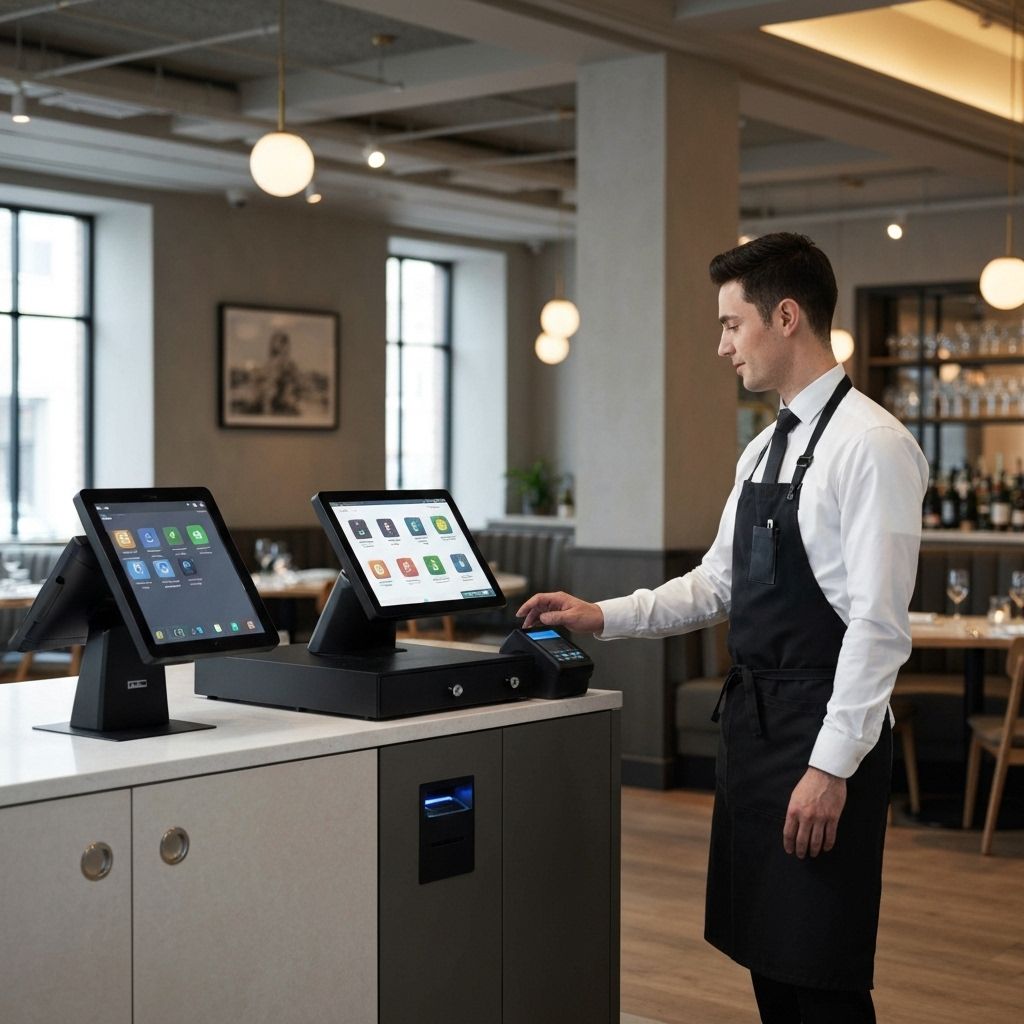
Best Restaurant POS Systems for Calgary in 2025
Calgary's vibrant food scene demands reliable, feature-rich POS systems. From downtown fine dining to neighborhood cafés, the right technology makes all the difference.
Why Calgary Restaurants Need Specialized POS
Unique Challenges
- High-volume service: Quick table turnover essential
- Complex menus: Modifiers, courses, special requests
- Multiple revenue streams: Dine-in, takeout, delivery
- Staff management: Scheduling, tips, performance tracking
- Inventory control: Food costs and waste reduction
Top Restaurant POS Systems for Calgary
1. Toast POS
Best For: Full-service restaurants
Key Features:
- Cloud-based reliability
- Tableside ordering on tablets
- Kitchen display systems
- Online ordering integration
- Menu management
- Detailed reporting
Pricing: Custom quotes (typically $69-$165/month per terminal)
Calgary Success: Popular in Mission and Kensington restaurants
2. Lightspeed Restaurant
Best For: Fine dining and multi-location
Key Features:
- Advanced table management
- Course firing controls
- Extensive reporting
- Inventory by recipe
- Employee management
- Customer relationship tools
Pricing: From $69/month
Calgary Success: Used by Stephen Avenue establishments
3. Square for Restaurants
Best For: Quick service and cafés
Key Features:
- Easy setup and use
- Free software option
- Contactless payments
- Kitchen printing
- Online ordering
- Loyalty programs
Pricing: Free software + 2.6% + 10¢ per transaction
Calgary Success: Popular in Inglewood cafés and food trucks
4. Clover
Best For: Versatile casual dining
Key Features:
- Flexible hardware options
- Table management
- Split payments
- Custom floor plans
- Third-party integrations
- Employee time tracking
Pricing: From $14.95/month + hardware
Calgary Success: Used by 17th Avenue restaurants
5. Upserve (Lightspeed)
Best For: Data-driven restaurants
Key Features:
- Menu intelligence
- Server performance tracking
- Guest profiles
- Reservation integration
- Automated marketing
- Inventory management
Pricing: From $59/month per terminal
Essential Features for Calgary Restaurants
Table Management
- Visual floor plans: See table status at a glance
- Reservation integration: Sync with OpenTable, Resy
- Wait list management: Track and notify guests
- Table transfers: Move orders between tables
- Section assignments: Optimize server stations
Menu Management
- Unlimited modifiers: Accommodate dietary restrictions
- 86 items: Quickly mark items out of stock
- Combo meals: Preset meal combinations
- Happy hour pricing: Time-based pricing rules
- Seasonal menus: Easy menu updates
Kitchen Communication
- Kitchen display systems: Replace paper tickets
- Course firing: Control when items are prepared
- Prep stations: Route items to specific stations
- Expo screens: Quality control station
Payment Processing
- Split bills: By seat, item, or amount
- Tip management: Fair tip distribution
- Contactless payments: Tap and mobile wallet
- Gift cards: Sell and redeem
- Tab management: Hold tabs for return customers
Online Ordering
- Direct ordering: Own your customer relationships
- Delivery integration: Uber Eats, Skip, DoorDash
- Curbside pickup: Growing trend in Calgary
- Catering orders: Large order management
- Loyalty programs: Reward repeat customers
Hardware Requirements
Core Components
- Terminals: $500 - $1,500 each
- Kitchen printers: $300 - $600 each
- Handheld devices: $300 - $800 each
- Cash drawer: $100 - $200
- Card readers: $50 - $150
Optional Enhancements
- Kitchen display systems: $1,000 - $3,000
- Customer displays: $200 - $400
- Self-service kiosks: $2,000 - $5,000
- Pagers: $500 - $1,000 for system
Cost Analysis for Calgary Restaurants
Initial Investment
- Small café (1 terminal): $500 - $1,500
- Casual restaurant (2-3 terminals): $2,000 - $5,000
- Full-service (4+ terminals + KDS): $5,000 - $15,000
Monthly Expenses
- Software: $50 - $300 per terminal
- Processing fees: 2.0% - 2.9% + transaction fee
- Support: Usually included
- Internet: $100 - $200
- Maintenance: $50 - $200
ROI Considerations
- Faster table turns: 10-15% increase possible
- Reduced errors: Save 2-5% on comped meals
- Better inventory control: Reduce waste by 5-10%
- Improved labor management: Optimize scheduling
- Increased average check: Upselling features
Integration Ecosystem
Accounting
- QuickBooks
- Xero
- Sage
- Wave
Reservations
- OpenTable
- Resy
- Yelp Reservations
- TableAgent
Delivery
- Uber Eats
- Skip the Dishes
- DoorDash
- In-house delivery tracking
Loyalty & Marketing
- Email marketing platforms
- SMS messaging
- Social media integration
- Customer feedback tools
Inventory
- Recipe costing
- Vendor management
- Purchase orders
- Waste tracking
Calgary-Specific Considerations
Local Support
Working with Calgary-based providers ensures:
- Same-day service: Critical during busy periods
- On-site training: In-person staff education
- Local expertise: Understanding Calgary market
- Community connections: Networking opportunities
Weather Resilience
Calgary weather demands:
- Backup power: Protect against outages
- Cloud-based systems: Data safe in cloud
- Offline mode: Continue during internet issues
- Local data storage: Backup on-site
Seasonal Variations
Calgary restaurants face:
- Stampede surge: Handle increased volume
- Slow winter months: Manage costs effectively
- Festival events: Mobile POS for outdoor service
- Patio season: Extend service areas
Industry-Specific Recommendations
Fine Dining
Priority Features:
- Course control
- Wine management
- Custom reporting
- Staff scheduling
Recommended: Toast, Lightspeed, or Upserve
Casual Dining
Priority Features:
- Quick service
- Online ordering
- Loyalty programs
- Simple interface
Recommended: Clover, Square, or Toast
Quick Service
Priority Features:
- Speed of service
- Mobile ordering
- Kitchen routing
- Limited table management
Recommended: Square, Toast, or Clover
Bars & Pubs
Priority Features:
- Tab management
- Age verification
- Drink modifiers
- Inventory tracking
Recommended: Toast, Lightspeed, or Upserve
Cafés & Bakeries
Priority Features:
- Quick payments
- Loyalty rewards
- Online ordering
- Simple menu
Recommended: Square, Clover, or Toast
Implementation Best Practices
Pre-Launch (2-4 weeks before)
- Menu setup: Enter all items, modifiers, prices
- Staff training: Hands-on practice sessions
- Hardware installation: Professional setup
- Network optimization: Ensure reliable internet
- Test transactions: Process fake orders
Launch Day
- Extra support staff: Have vendor on-site
- Simplified menu: Consider limited options
- Patient customers: May be slower initially
- Team huddles: Regular check-ins
- Backup plan: Keep old system as backup
Post-Launch (First month)
- Daily reviews: Check for issues immediately
- Ongoing training: Address knowledge gaps
- Optimize settings: Adjust based on usage
- Gather feedback: From staff and customers
- Monitor metrics: Compare to old system
Common Pitfalls to Avoid
1. Insufficient Training
Ensure all staff:
- Complete formal training
- Practice extensively
- Have quick reference guides
- Know who to call for help
2. Poor Internet
Invest in:
- Commercial-grade internet
- Backup connection
- Proper router placement
- Network management
3. Inadequate Hardware
Don't skimp on:
- Terminal quality
- Printer reliability
- Network equipment
- Backup devices
4. Ignoring Reporting
Utilize data for:
- Menu optimization
- Staff scheduling
- Inventory management
- Marketing decisions
Questions to Ask Vendors
About the System
- What happens during internet outages?
- How do you handle peak hours (e.g., Stampede)?
- What integrations are included?
- How often are updates released?
- What's the learning curve for staff?
About Support
- What are support hours?
- Is phone support available?
- What's average response time?
- Do you offer on-site help in Calgary?
- Is training included?
About Costs
- What's total cost of ownership?
- Are there long-term contracts?
- What's included in monthly fee?
- Are there setup fees?
- What about hidden costs?
Getting Started
Step 1: Assess Your Needs
- Restaurant type and size
- Current pain points
- Must-have features
- Budget constraints
- Growth plans
Step 2: Research Options
- Read reviews from similar restaurants
- Watch demo videos
- Compare feature lists
- Check Calgary references
Step 3: Request Demos
- Schedule in-person demos
- Bring your manager
- Test real scenarios
- Ask tough questions
Step 4: Check References
- Call similar Calgary restaurants
- Ask about hidden issues
- Inquire about support quality
- Discuss implementation
Step 5: Make Decision
- Compare total costs
- Evaluate support quality
- Consider ease of use
- Factor in growth potential
Conclusion
Choosing the right restaurant POS system is one of the most important technology decisions you'll make. The right system improves efficiency, reduces errors, provides valuable insights, and enhances the customer experience.
Calgary's restaurant industry is competitive, and having the best technology gives you an edge. Take time to evaluate options, involve your team in the decision, and choose a provider committed to your success.
Ready to upgrade your Calgary restaurant POS? Contact Soar POS for a free consultation and personalized recommendations at (403) 630-8186.